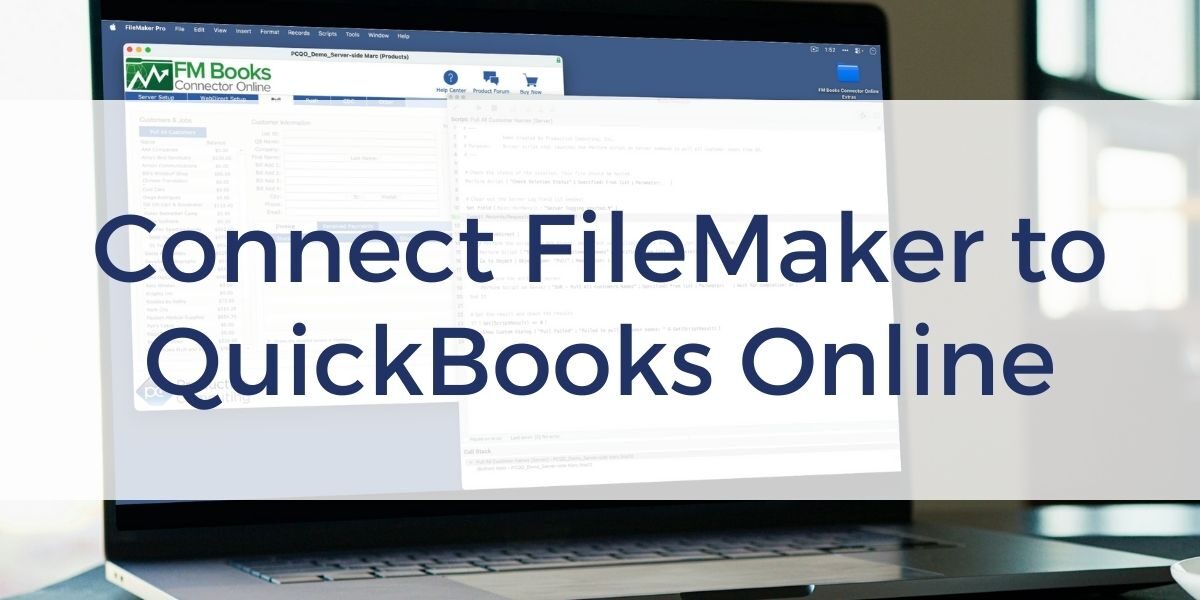

Connecting FileMaker with QuickBooks Online does not have to involve trial and error or rebuilding accounting systems inside FileMaker. The Connect FileMaker to QuickBooks Online course is a free, practical training course that helps build reliable, real-world integrations using the FM Books Connector Online plug-in.
The course walks through the full integration process, starting with a clean FileMaker file and building toward a working solution that can push and pull data with QuickBooks Online. It focuses on foundational concepts first, then expands into more advanced techniques that reflect how integrations behave in real deployments.
To keep pace with modern FileMaker environments, the course has been expanded with new lessons that cover server-side deployment, including clientless authentication and server-based execution.
What the Free Course Covers
The Connect FileMaker to QuickBooks Online course is structured to help you understand both the technical and practical aspects of building an accounting integration. You work through real examples using demo files and a build-along solution, allowing you to apply what you learn directly to your own projects.
You will learn how to:
- Build a FileMaker and QuickBooks Online integration from an empty file
- Understand QuickBooks Online data structures and terminology in a FileMaker context
- Push and pull customer, invoice, and related data reliably
- Design workflows that fit existing accounting and operational processes
- Avoid common integration mistakes
Server-Side Lessons Added
The course now includes expanded lessons focused on running FM Books Connector Online on FileMaker Server. These lessons are designed for developers who need more control, scalability, or support for hosted and automated workflows.
The new server-side content covers how to:
- Install and register FM Books Connector Online on FileMaker Server
- Run integrations using Perform Script on Server
- Centralize authentication and QuickBooks communication
Clientless Authentication Explained
One of the most significant additions to the plug-in and course is the introduction of clientless authentication. When running integrations server-side, authentication with QuickBooks Online can now be handled entirely on FileMaker Server.
This means users no longer need to install or authenticate a local plug-in to trigger integrations. Authentication is centralized, deployment is simplified, and teams can support a wider range of FileMaker access methods without adding maintenance overhead.
Client-side workflows remain fully supported and continue to be a practical option for simpler deployments. The course explains both approaches so you can choose the one that best fits your environment.
A Practical Way to Get Started
The Connect FileMaker to QuickBooks Online course at Productive Computing University is designed to save time, reduce mistakes, and give you a clear path from concept to working integration. Because the course is free, it is also a low-risk way to evaluate whether FM Books Connector Online fits your accounting needs.
Whether you plan to run integrations client-side or on FileMaker Server, the course provides the foundation and the newer server-side guidance needed to build and support FileMaker and QuickBooks Online workflows with confidence.
Frequently Asked Questions
Is the Connect FileMaker to QuickBooks Online course really free?
Yes. The course is available at no cost through Productive Computing University. You can enroll and access all lessons without purchasing the FM Books Connector Online plug-in.
Do I need the FM Books Connector Online plug-in to take the course?
You can complete the course using the plug-in demo files. A licensed version of the plug-in is required for ongoing development or production use, but not to follow along with the training.
Does the course cover both client-side and server-side integrations?
Yes. The course begins with client-side workflows to establish core concepts, then introduces server-side deployment strategies, including clientless authentication and running integrations on FileMaker Server.
Is FileMaker Server required to take this course?
No. FileMaker Server is only required if you plan to implement server-side integrations. Client-side workflows covered in the course can be completed without FileMaker Server.
Other products and services Productive Computing, Inc. offers:
- What can PCI do for you? – overview of our services
- Health Assessment – a comprehensive report of your FileMaker system
- Consulting and Development – services billed by the hour
- Maintenance and Support – services billed monthly
- Packaged Services – Security Audit, SSL or Server Installation
- Plug-ins – tools to integrate with QuickBooks, Outlook, Google, and more
- Solutions – free customizable and scalable CRM template
- Claris and FileMaker Licensing – discounts on new seats and renewals
- FileMaker and QuickBooks Hosting – host your files in the cloud
- Productive Computing University – online beginner to advanced training courses
- Certification Programs – expert-led training, hands-on development, and personalized evaluations