QuickBooks Online Integration Options for FileMaker
Connecting FileMaker to QuickBooks Online is one of the most common integration challenges. Your operational data lives in FileMaker, while your accounting data is stored in QuickBooks. Without a connection between the two, your team is often re-entering data, working from different records, and losing time to manual processes.
To solve this, you need a reliable way to push and pull data between systems. The real challenge is deciding how to build that connection.
Understanding Your Options
When connecting FileMaker to QuickBooks Online, most projects follow one of two paths:
- You can use a FileMaker plug-in like FM Books Connector Online, which allows you to work directly within FileMaker scripting.
- Or you can build a direct API integration, where you manage authentication, JSON, and data handling yourself.
Both approaches can work. The difference is how much complexity you take on, how quickly you can implement, and how your solution will be maintained over time.
Why the Decision Matters
At first glance, the choice may seem straightforward. In practice, small details can significantly impact which approach is the right fit. Things like your timeline, team experience, and how your data needs to move between systems all play a role.
Choosing the wrong path can lead to unnecessary complexity, delays, or having to rebuild parts of your integration later.
Consider Both Approaches Before You Build
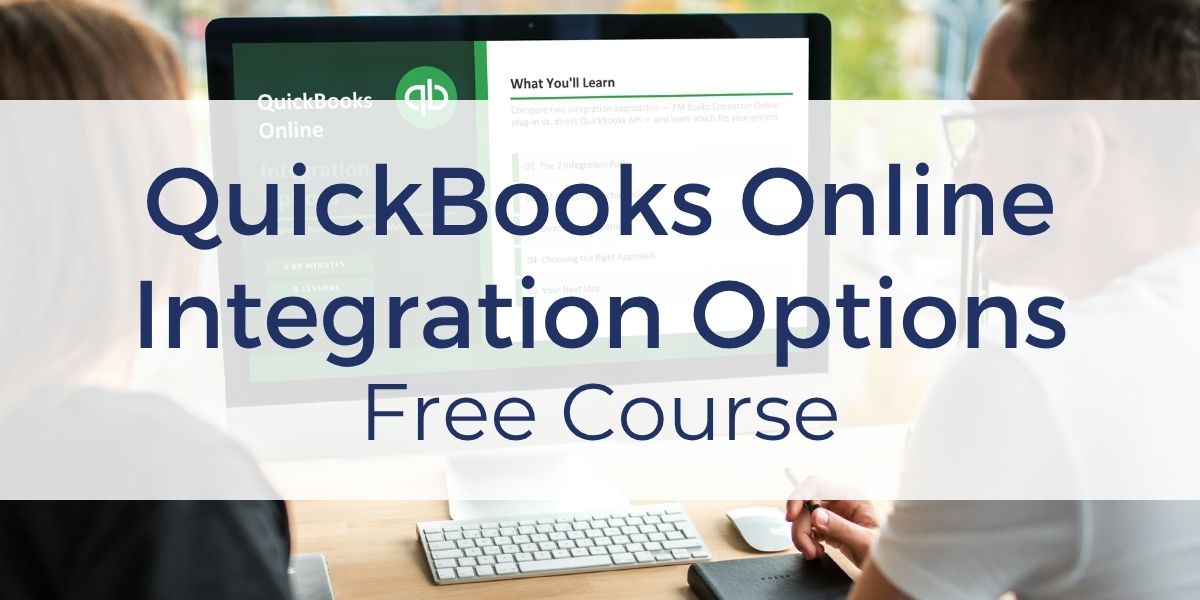
If you want to choose the right path the first time and avoid extra work, you can compare both approaches in our free course, QuickBooks Online Integration Options.
In this course, you will review the pros and cons of each method, understand what each approach requires, and evaluate them based on your project, timeline, and team.
By the end, you will be able to choose the right integration path with confidence and know what to do next.
Resources to Help You Move Forward
Once you choose your approach, you can use these resources to move faster. These resources give you a practical starting point so you can begin building with working examples instead of starting from scratch.
If you decide to use FM Books Connector Online, you have access to additional resources to help you move forward quickly:
- 30-day free trial of the plug-in
- Unlocked demo file with ready-to-use scripts and schema
- Core CRM Pro FileMaker template with built-in QuickBooks Online integration
- Free training course to guide you through the integration steps
If you decide to move forward with an API integration, we offer the course, API Fundamentals for FileMaker Developers.
Other products and services Productive Computing, Inc. offers: (H3)
- What can PCI do for you? – overview of our services
- Health Assessment – a comprehensive report of your FileMaker system
- Consulting and Development – services billed by the hour
- Maintenance and Support – services billed monthly
- Packaged Services – Security Audit, SSL or Server Installation
- Plug-ins – tools to integrate with QuickBooks, Outlook, Google, and more
- Solutions – free customizable and scalable CRM template
- Claris and FileMaker Licensing – discounts on new seats and renewals
- FileMaker and QuickBooks Hosting – host your files in the cloud
- Productive Computing University – online beginner to advanced training courses
- Certification Programs – expert-led training, hands-on development, and personalized evaluation